

Static web UI for the daeuniverse engines: manage nodes, groups, rules and configuration in a browser.
doona is a static web UI for managing a proxy backend. Real data requires a compatible running backend with its native API enabled; currently, doona supports honk. dae is not supported yet; compatibility depends on a future implementation of the same API contract. honk or another web server can serve the UI.
Depending on the features exposed by your backend, doona lets you:
- Monitor traffic, connections, events and logs.
- Manage nodes and subscriptions, refresh subscriptions and inspect probe results.
- Manage groups, their members and node selection.
- Inspect routing and DNS rules, and edit rules in writable sources.
- Edit configuration source files, validate changes and export sources.
Open the demo to try the UI with sample data; no backend is needed. To see error states, use ?scenario=faults; ?scenario= returns to the healthy demo.
Start with a honk build that provides the native API; the installation guide lists compatible builds and setup steps. Then download doona-<version>.tar.gz from the releases page.
Extract it into the directory that honk's native_api block names in ui; honk serves doona at /ui/.
Editing settings and configuration requires write permission on the backend. See package details for archive contents.
honk handles proxying, so protocol support depends on the backend version and build. Its proxy protocols include SOCKS5, Shadowsocks/2022, Trojan, VMess, VLESS, AnyTLS, Hysteria2, TUIC and Juicity; see the honk node reference for supported options and limits.
WebSocket, gRPC and XHTTP are stream transports, separate from proxy protocols. On honk versions with XHTTP support, Trojan/VMess/VLESS use the H2 XHTTP profile, with no H1/H3 fallback; the reference lists supported combinations and limitations.
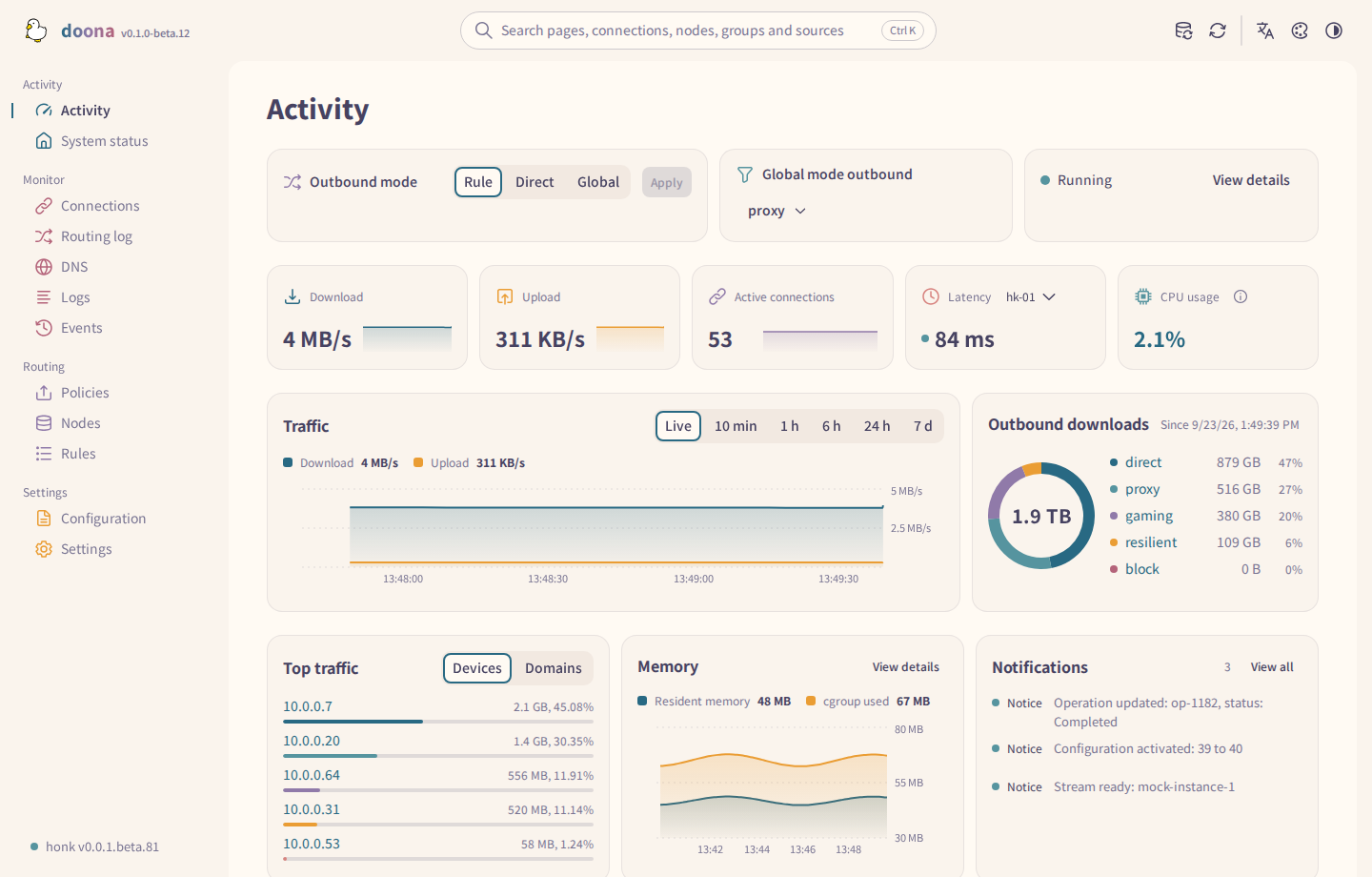
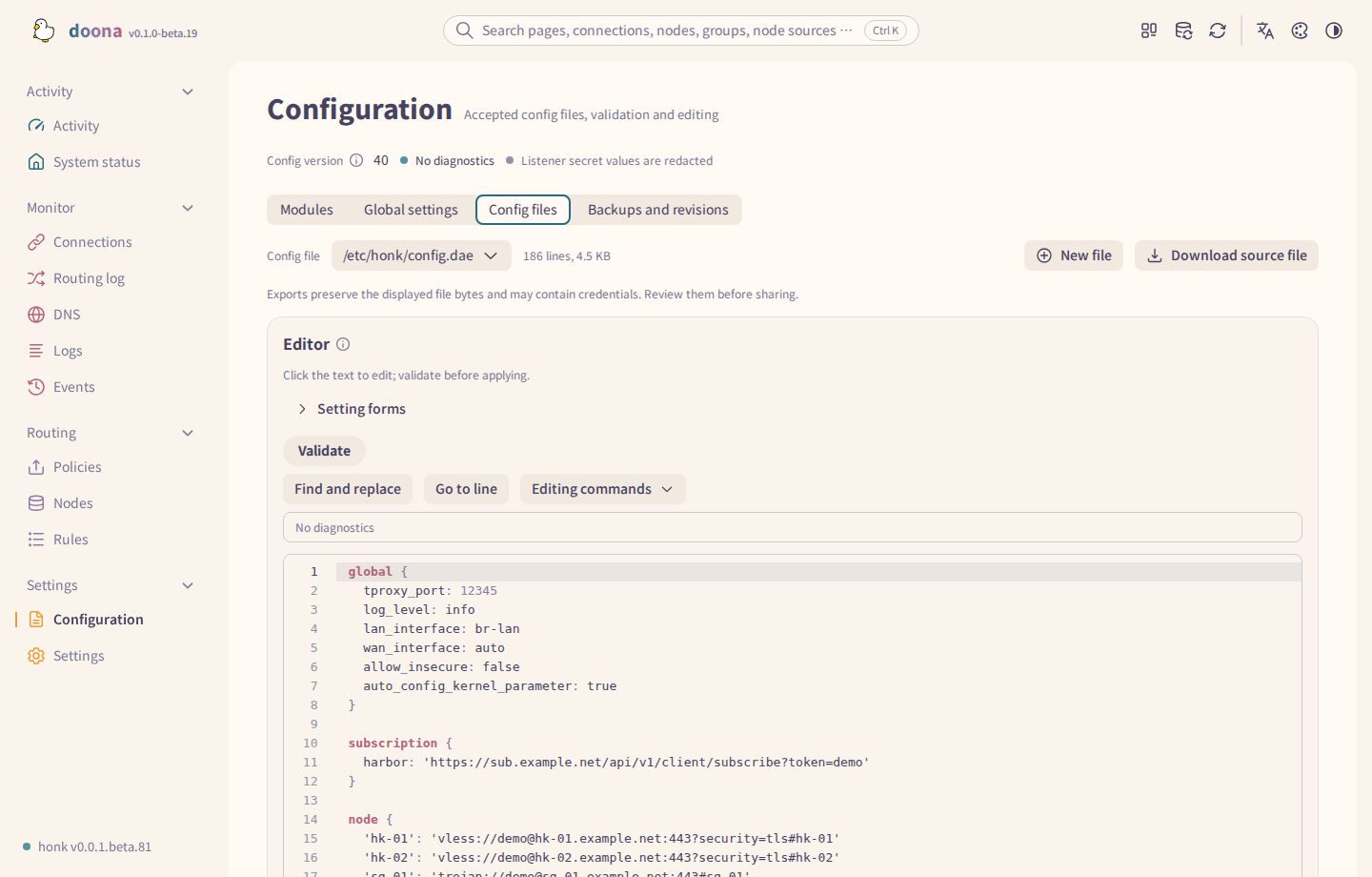
beta.19 fixes policy node focus, node group layout, scroll position in Events and Logs, and DNS cache and administrator setup messages.
- Installation and packages: 简体中文 / 繁體中文
- Pages, page tour and phone layout: 简体中文 / 繁體中文
- Themes and palettes: 简体中文 / 繁體中文
- Fonts
- Country flags
- Changelog
- Documentation site
The build, test and packaging commands, the source layout and the contract pin are on the development page. See CONTRIBUTING.md before opening a pull request.
Report bugs and ask questions in the issues. Report backend issues to the connected engine's project: honk or dae. See SECURITY.md for reporting a vulnerability.
GPL-3.0-only. Noto Sans TC and SC, bundled from Fontsource npm packages, are copyright Adobe and licensed under the Open Font License; NOTICE credits the Adobe Spectrum icons (Apache-2.0).